

Interfaces & integrations so that digital specialists can complete processes.
System actions instead of just answers: tickets, routing, status queries, appointment processes (depending on setup/role) for explicit customer needs in the context of communication - where the user needs it:
- Telephony immediately possible (incl. phone number) or connection to system/provider
- Controllable & auditable: transcripts, change logs, logs
- SME/SMB-compatible: clear scope, fast commissioning, scalable
- AI specialists can also work on top of each other.
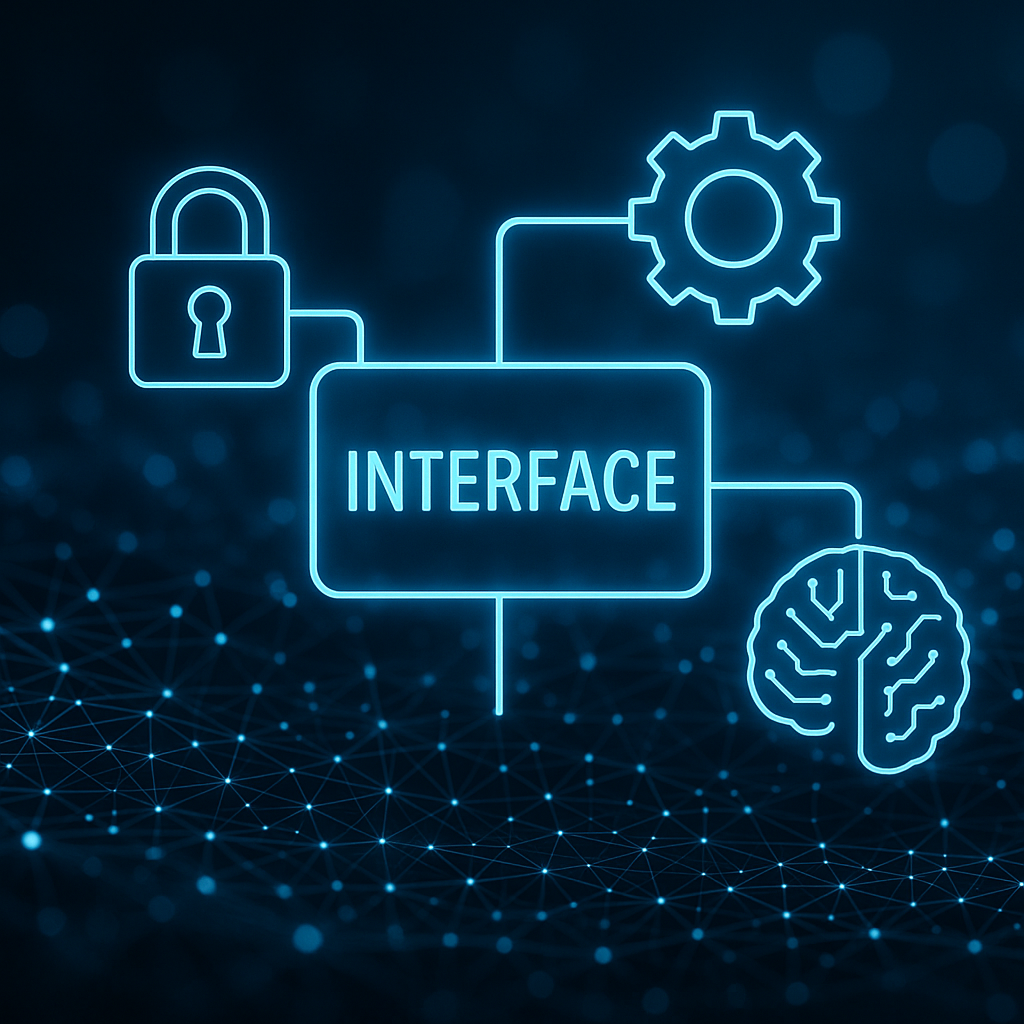
Why interfaces are so crucial...
Integrations decide whether AI only informs or actually processes cases. In the demo, we clarify which actions you need and what the most secure process looks like.
- Create & update ticket/procedure (ITSM/CRM)
- Classify & route concerns incl. escalation (human-in-the-loop)
- Status & data queries from third-party systems (e.g. order, case, appointment)
- Initiate/coordinate appointment processes (per setup)
- Documentation: handovers incl. summary/log
- Notifications/escalations to teams/tools (per setup)
- Start with a clear scope (actions, data, handovers)
- Staging/production for controlled changes
- Token-based access controls optional (who is allowed to interact?)
- Audit trail via transcripts and logs (legal retention obligations)
The integration approach: secure, modular, traceable.
Standard integrations (excerpt)
The specific range of functions for each integration (read/write/workflow) depends on the target system and your process - we will clarify this in the demo.

Ticketing / CRM
- Zendesk
- Atlassian Jira
- HubSpot
- Autotask
- IVM Pro (CRM/ticketing, housing industry)
Telephony / UC
- Swyx
- Microsoft Teams
- 3CX
- Placetel
- Telekom CloudPBX
- Webex (standard; the connection path may vary depending on the provider setup)
- NFON
- Easybell
- O2
- Other telephone systems/providers depending on setup
Messenger & Collaboration
- Telegram
- Facebook Messenger
- Slack
- Microsoft Teams
Field Service / Field Service
- SOLVARES
Public transport / Information
- VRR timetable information
Microsoft 365
- Microsoft Graph
- Microsoft Teams
Calendar
- Microsoft Graph Calendar / Outlook Calendar
- Google Calendar
- iCal

Automotive / DMS / Dealer systems
- Everything car
- CPL
- Modix
- SBol
- Locosoft
- Starke + Reichert (DMS)
Telephony: start or connect immediately
- Telephony incl. telephone number provided
- Optional: connection to telephone system/provider

EU AI Act: focus on governance support
We provide support with practical controls during operation (roles, approvals, traceability, monitoring). No legal advice.
Frequently asked questions
Which actions can trigger integrations?
Typical examples are ticket creation/updates, status queries, routing/escalation and appointment processes. We define the scope in the demo.
How quickly is a connection realistic?
Depending on the target system and the required actions. Standard cases are fast, more complex actions are coordinated and tested in staging.
Can we test telephony without converting the telephone system?
Yes, start with provided telephone number, telephone system connection optional.
Ready to test your first digital specialist?
30-minute demo → Delivery usually within 48 hours. → 14-day free trial (can be canceled).